Features
Everything from request to event day
A form on your website, prices from your own rules, AI quote drafts that a person reviews, a calendar, invoices and event-day sheets, all in one system.
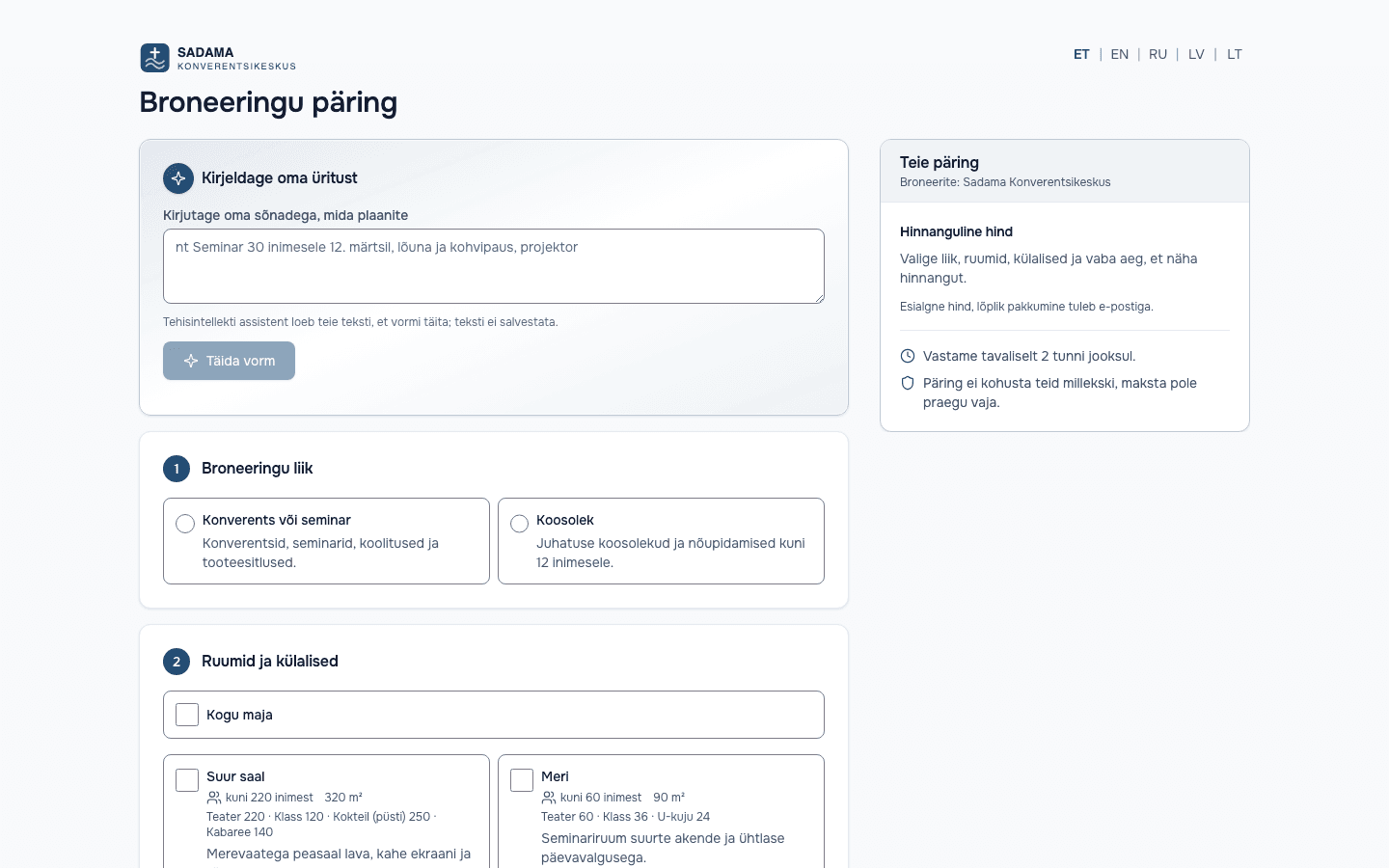
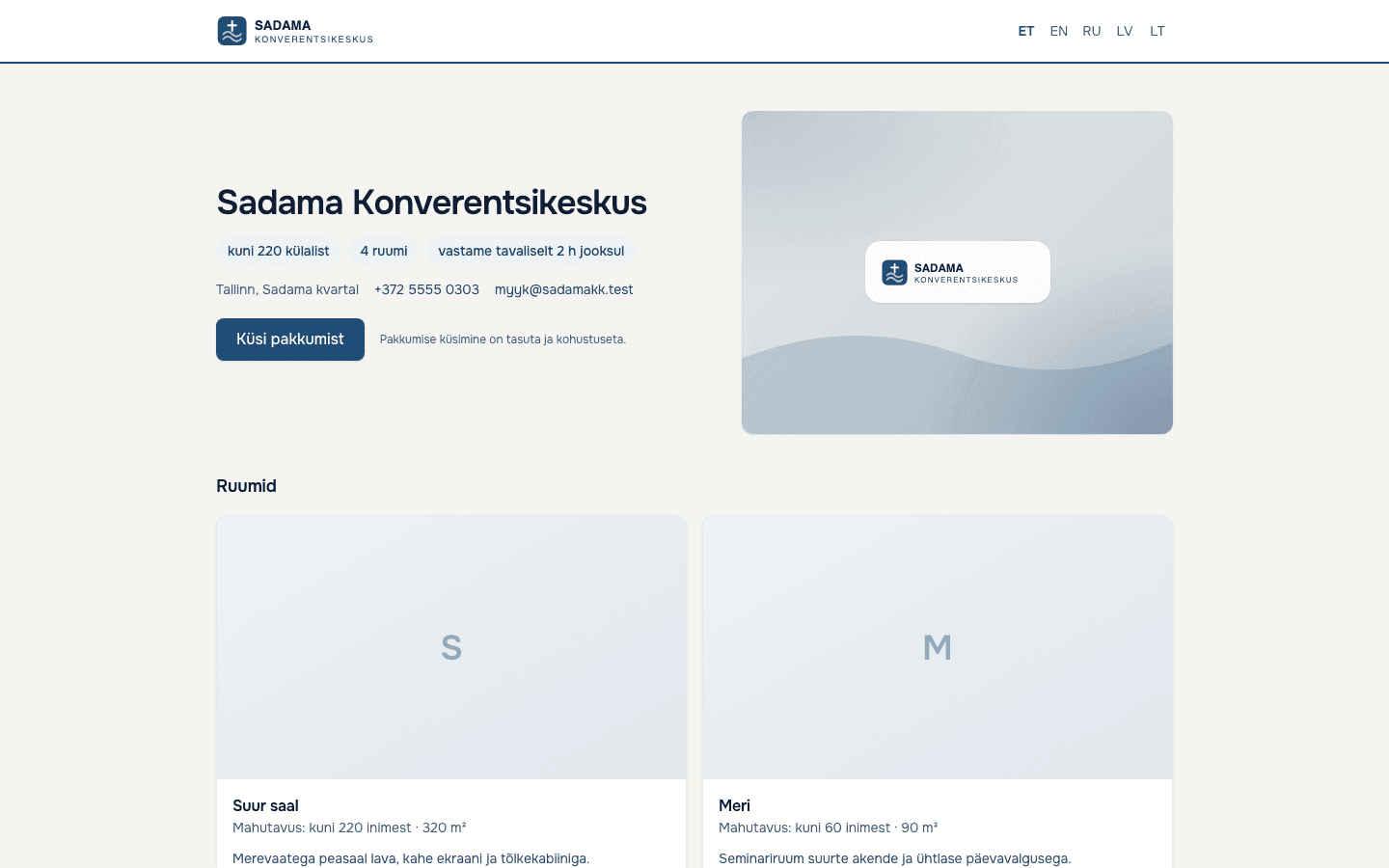
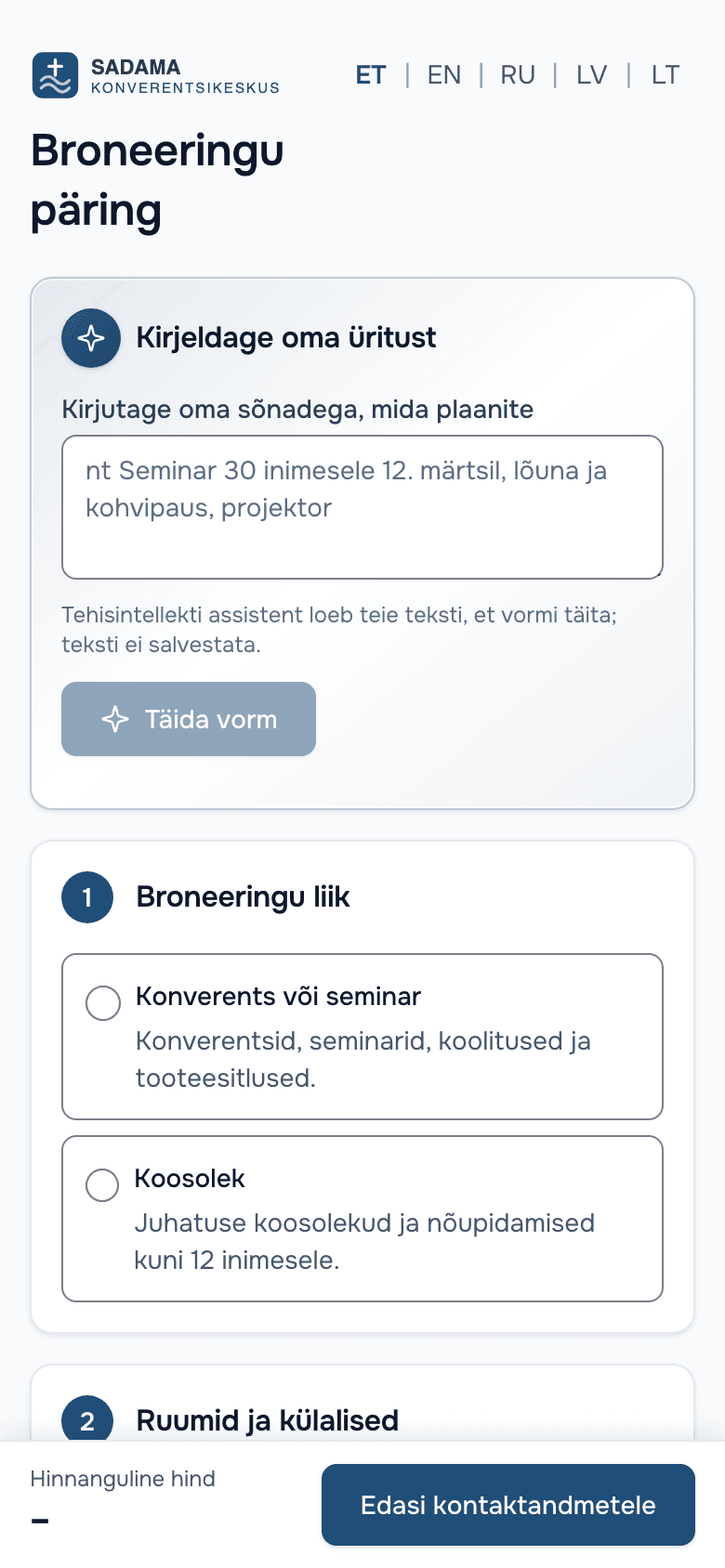
Requests and a booking form on your own website
Customers send a request through a form that runs on your website or as a standalone link. Every request lands in one inbox.
- A direct link to the form, or a website widget: one script line on your page, the form adapts its height
- The form checks availability: if the chosen time is taken, the customer can join the waitlist
- Requests also arrive through the API and by email; enter a phone booking by hand
- A price estimate from your own pricing rules, and an optional instant quote for chosen booking types
Price rules and instant estimates
The price comes from your own rules, not from an AI's guess. The system picks the cheapest valid rule.
- Hourly rates, blocks (e.g. 8 hours), day rates and per-person prices with a minimum number of guests
- Season and weekday adjustments such as "Saturday +20%", plus extras
- "Price on request": no amount is calculated and staff enter it themselves
- Paste in your price list and the system builds the rules; you check them before saving
- Changing prices does not change quotes that were already made
An AI assistant that writes the words; the system calculates the price
The AI prepares, a person decides. By default, nothing reaches a customer until an authorised team member has reviewed and approved it.
- A "Describe your event" box on the form fills the fields from the customer's text; the customer checks and sends it themselves
- Quote text in the customer's language; amounts come from the pricing engine and the AI cannot change a price
- Reply drafts, follow-ups for unanswered quotes and inbox triage (urgency, spam)
- Weekly insights in analytics: suggestions, not decisions
- Setup assistant: describe your venue in a chat and the AI proposes rooms, layouts and extras. It never proposes prices, and you confirm before anything is saved
- An “Ask a question” box on your venue page (opt-in): answers only from the data you have published; for prices and dates it points to the request form
- “Improve wording” (Pro): three versions of the quote text – formal, warm and short; the price block never reaches the AI
- A short event briefing for your team (Pro), built from the confirmed booking and run sheet; every number is checked against the facts
- The AI never sees the customer's name, email or phone; AI features can be switched off per venue
By default, a person reviews before anything is sent.
Describe your event
We have a seminar on 14 March for 30 people, from nine to five, with two coffee breaks.
Filled by the assistant, please check
- Event
- Seminar
- Date
- 14 Mar
- Time
- 09:00–17:00
- Guests
- 30
- Extras
- Coffee break × 2
The customer checks and sends the form themselves.
Reply draft
Hello! Thank you for your request. The time you asked for is free right now and we will send you a quote.
Assistant draft, check before sending
What is on which plan
- Venue and Pro: the "Describe your event" box on the form and quote text drafts
- Pro: staff tools for reply drafts, follow-ups, inbox triage and weekly insights
Quotes, online acceptance and deposits
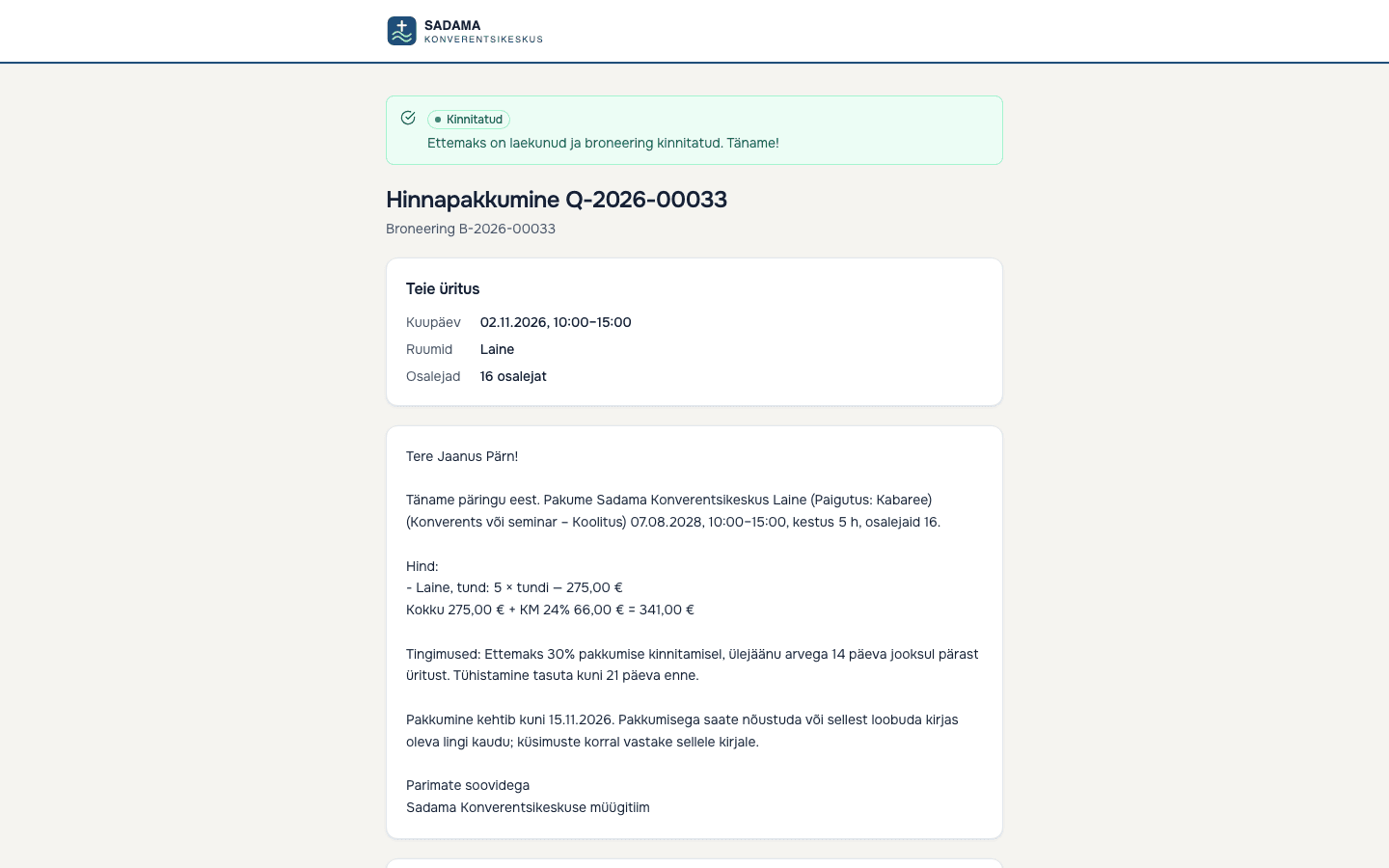
The customer gets a link to a quote page in their language, accepts online and pays the deposit straight to your account.
- Online acceptance: tick the terms and enter a full name; a record of acceptance and a printable signed copy are stored
- Quote prices are a snapshot: changing your price list does not change a quote that was sent
- Availability is checked again at the moment the customer accepts
- An A4 print view that can be saved as PDF or signed on paper
- Deposits go to your own Montonio account (live payments in pilot); the booking is confirmed only after the payment is confirmed
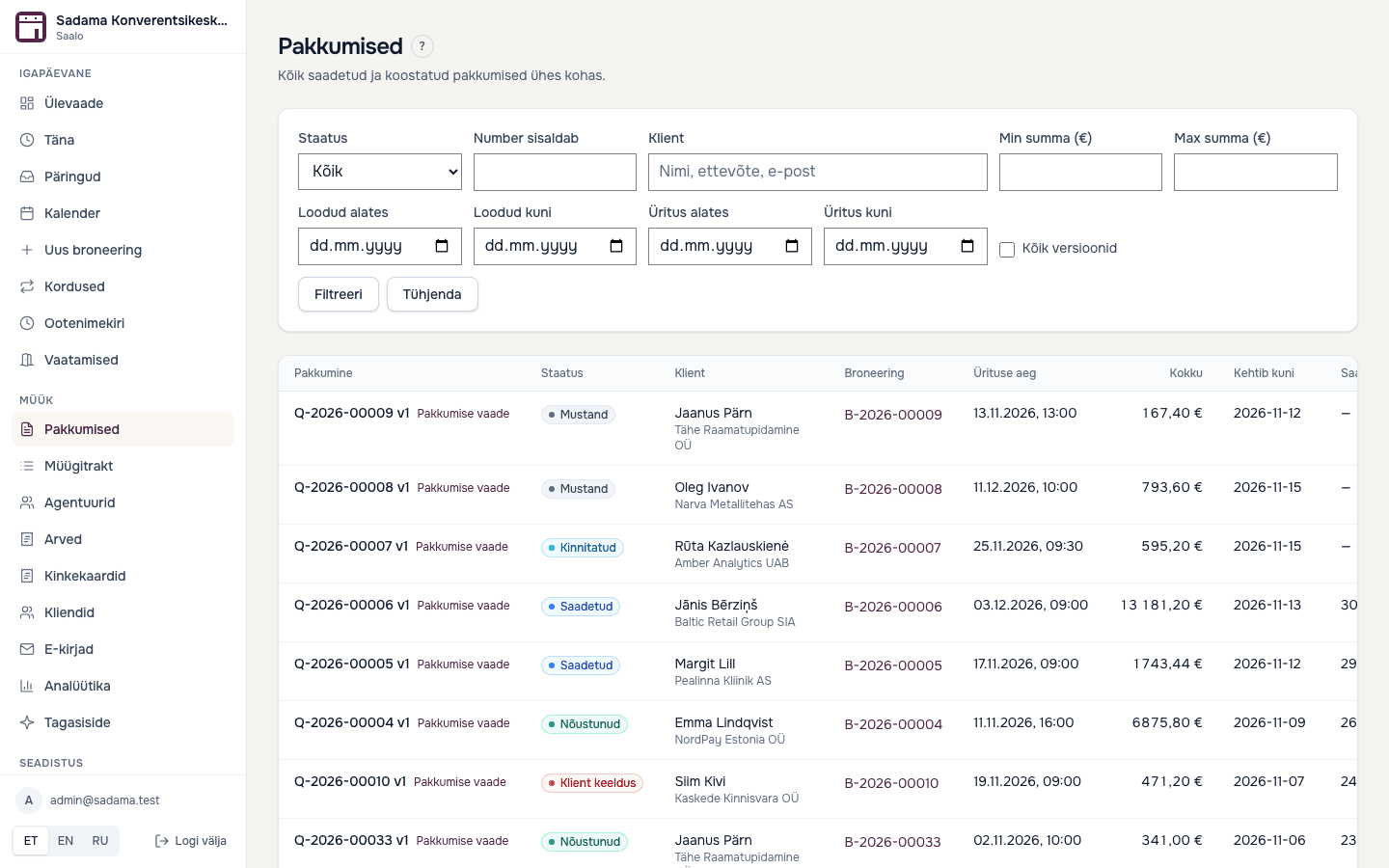
- Only users with approval permission can send a quote, and every version is kept
Calendar and availability
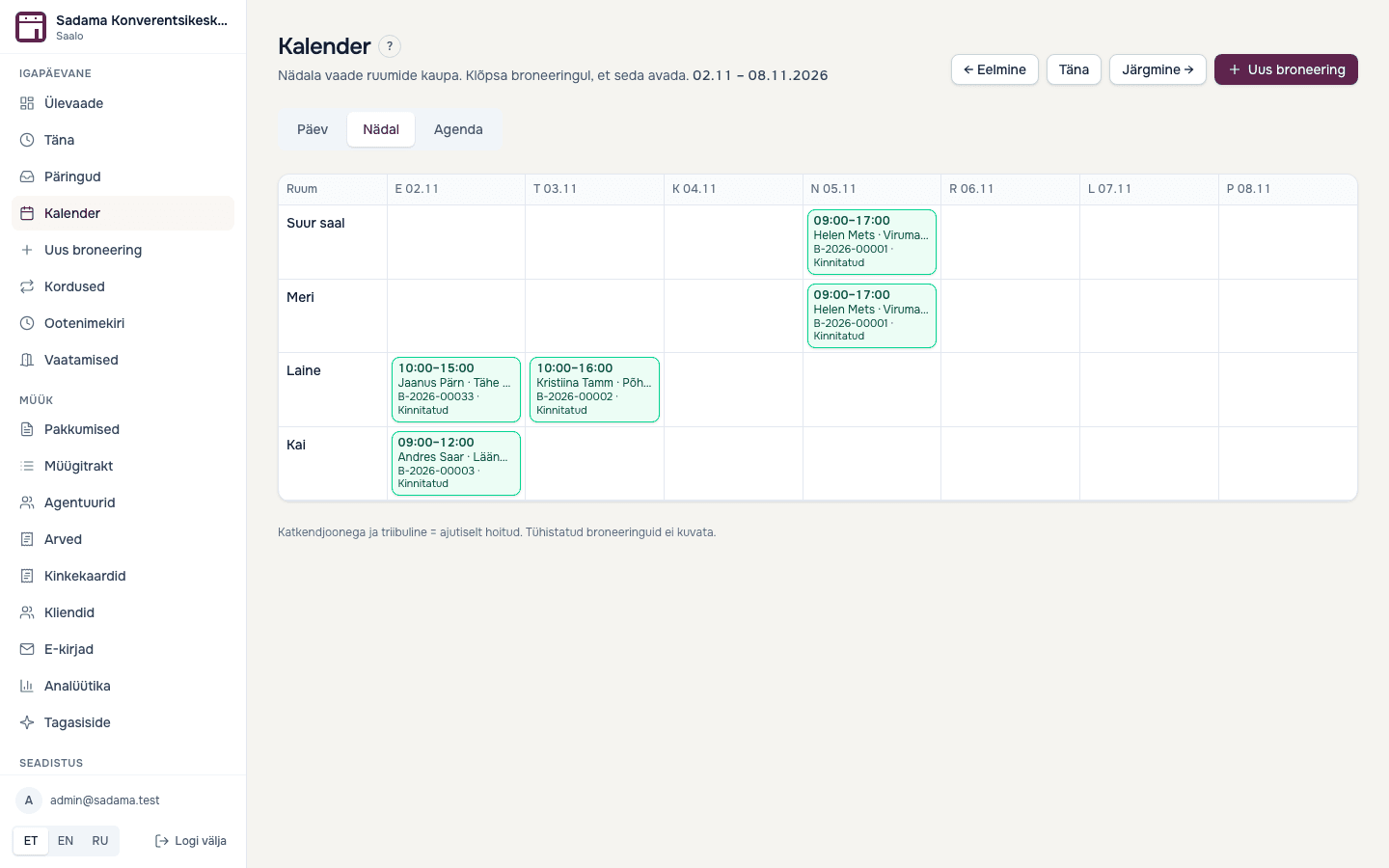
A week view per room and a month view of free dates. Overlapping times are refused.
- A temporary hold (48 hours by default) expires on its own, or you release it by hand
- Setup, cleanup and minimum-gap times block the room on both sides of a booking
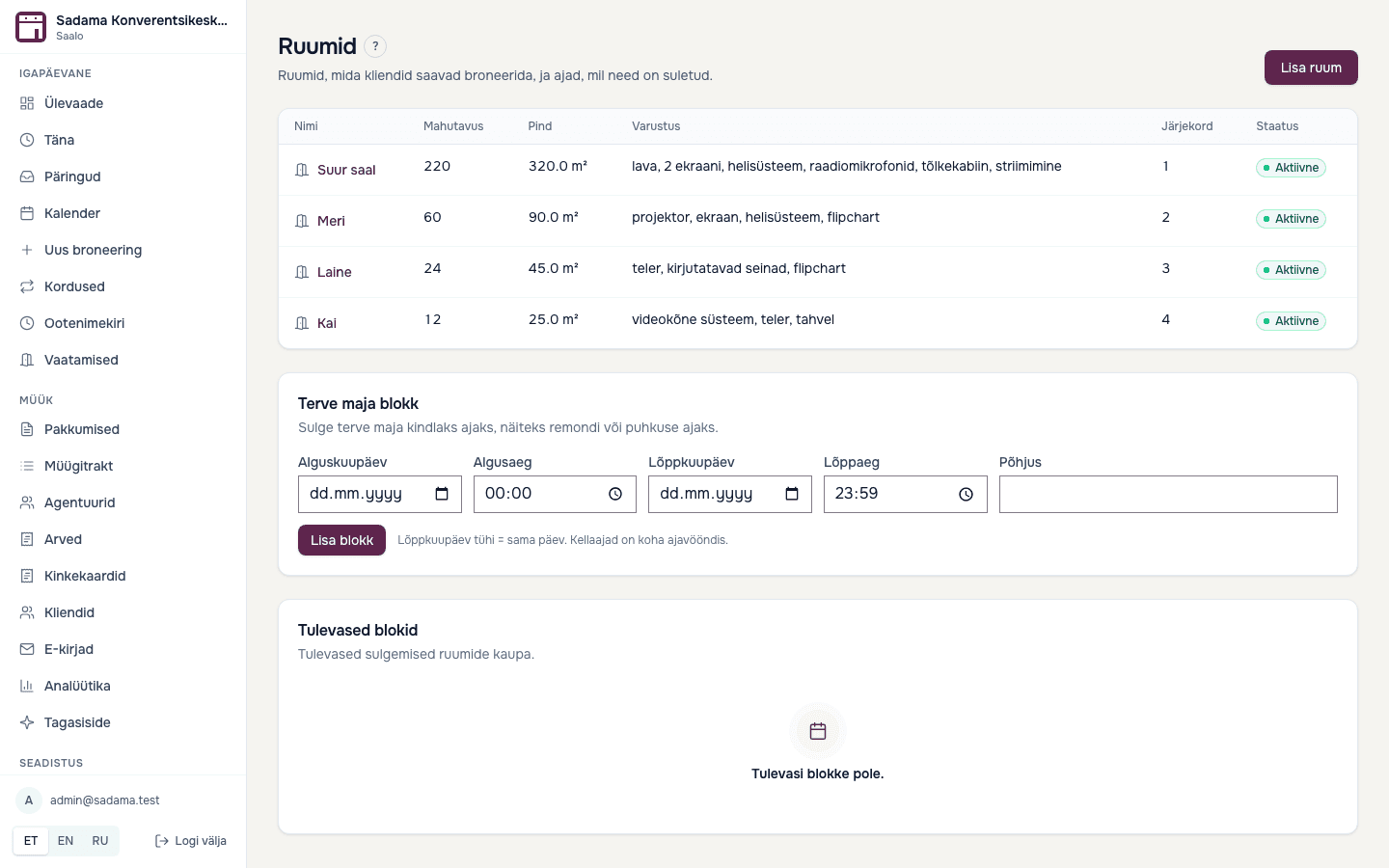
- Close a room, or the whole venue, for a date or a period
- Whole-house booking: every room is blocked at the same time
- The ban on double bookings is enforced by the database, not only on screen
- Recurring bookings on all plans, and a waitlist when a slot frees up
Customers and the sales pipeline
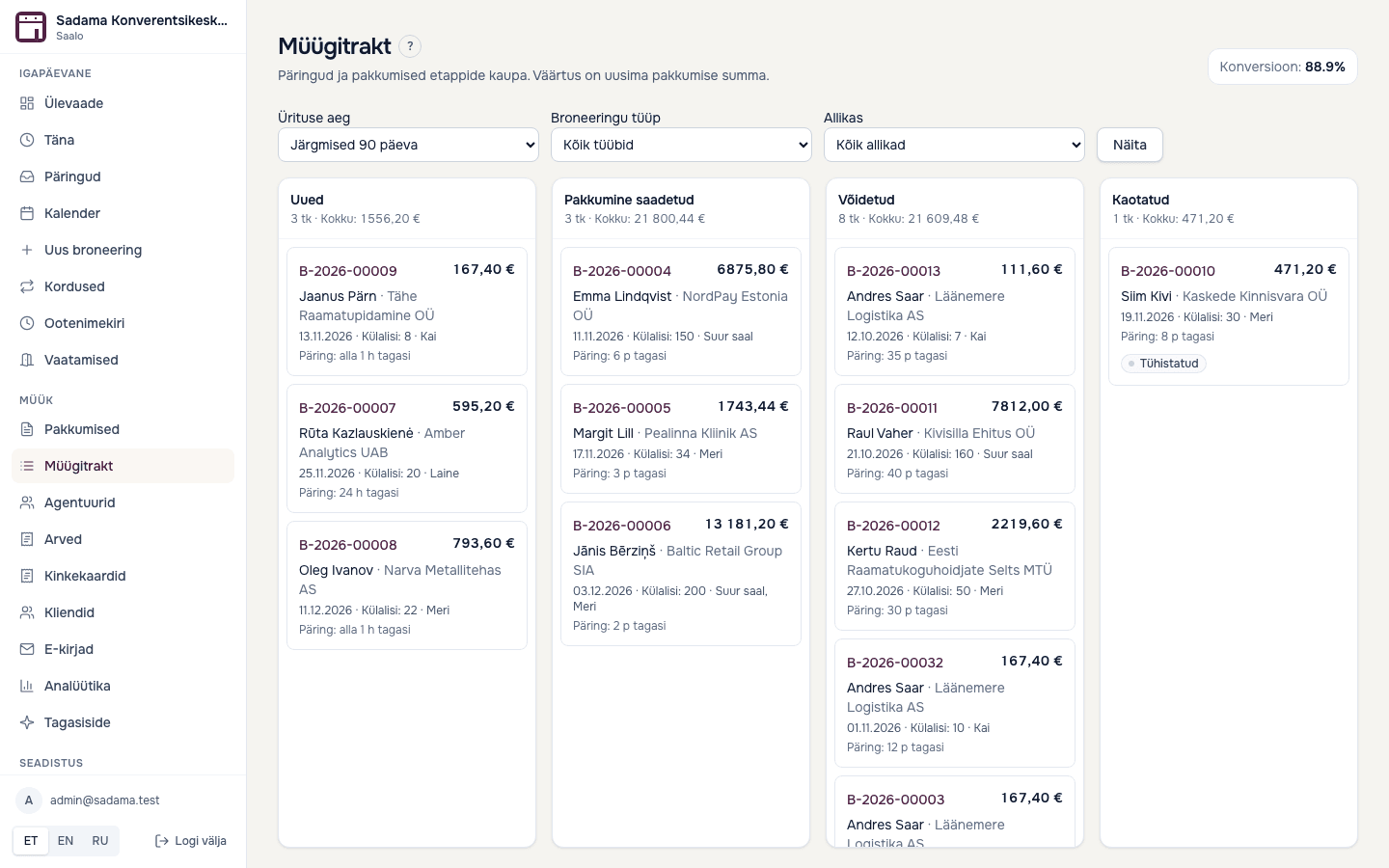
Every request and quote on one board, so expiring quotes do not go unnoticed.
- A board with New, Quote sent, Won and Lost, showing value and time since the request
- A note when a sent quote is about to expire or has expired, so you can follow up in time
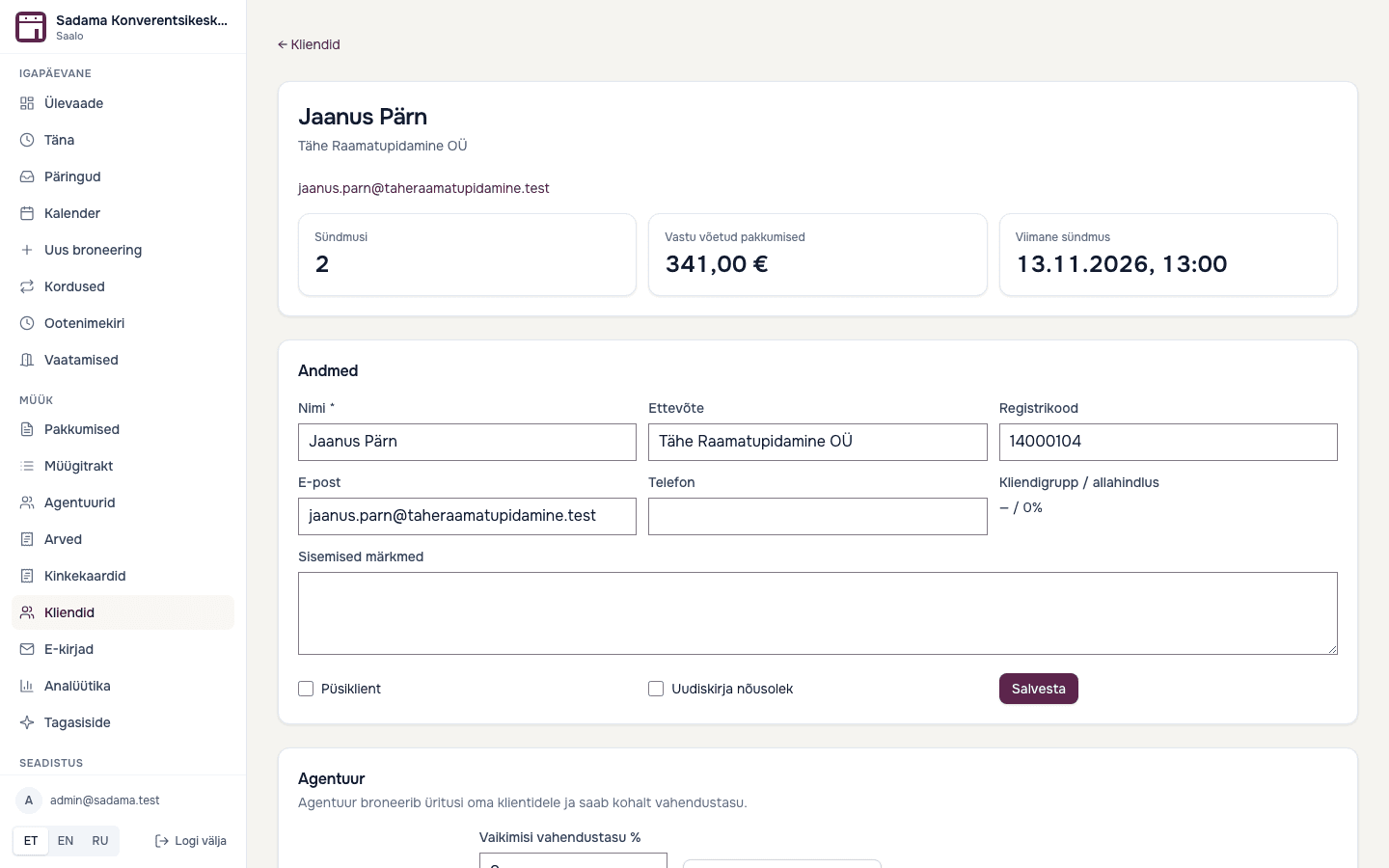
- A customer page with contacts, bookings, quotes, sent emails and internal notes
- Regular and one-off customers; a regular customer can get a price group and discount in the price rules
Event day: menus, kitchen and guests
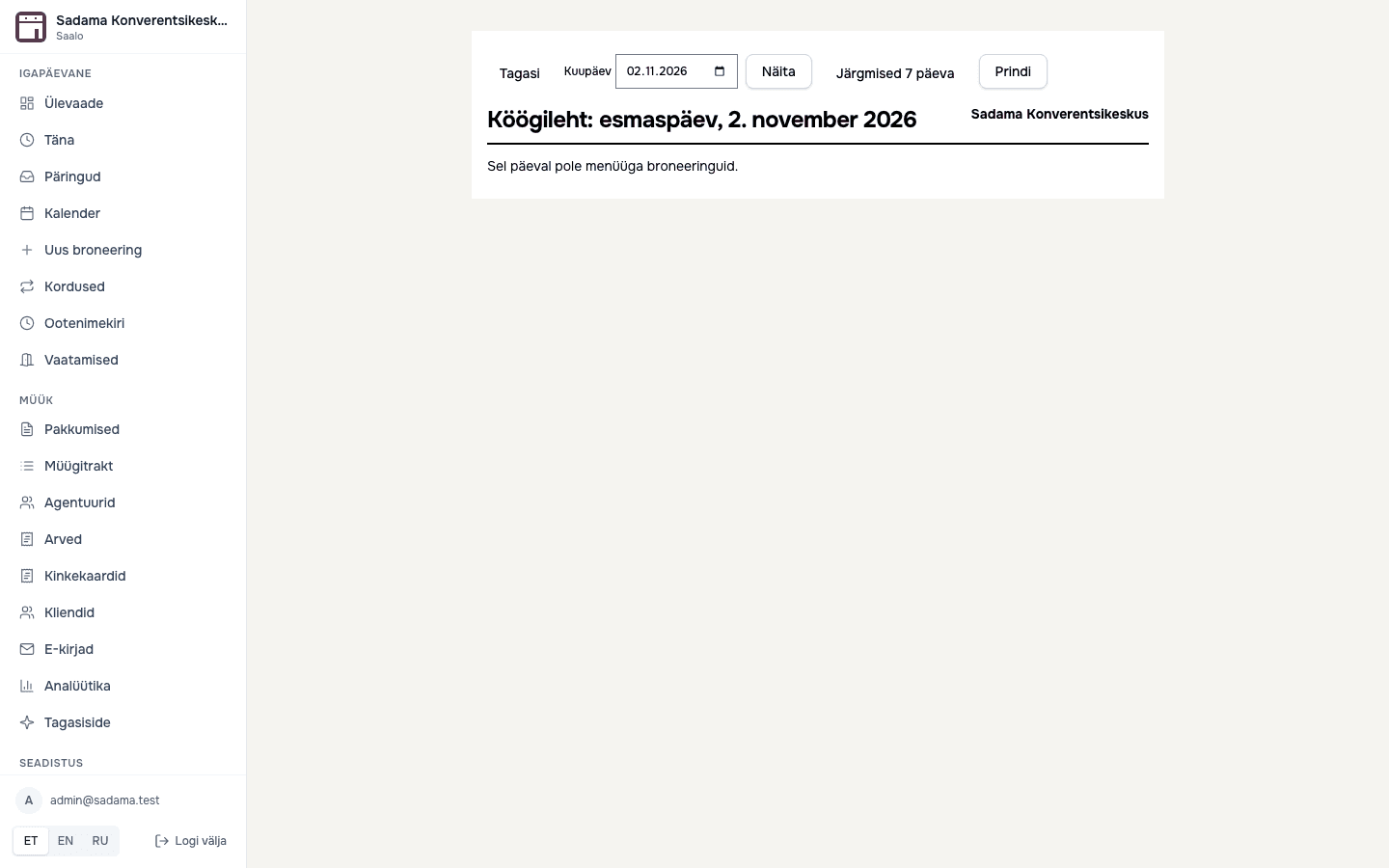
A confirmed booking turns into sheets you can print.
- Menus with dishes and diet tags; if you enable it, the customer chooses a menu and dietary needs on the quote page
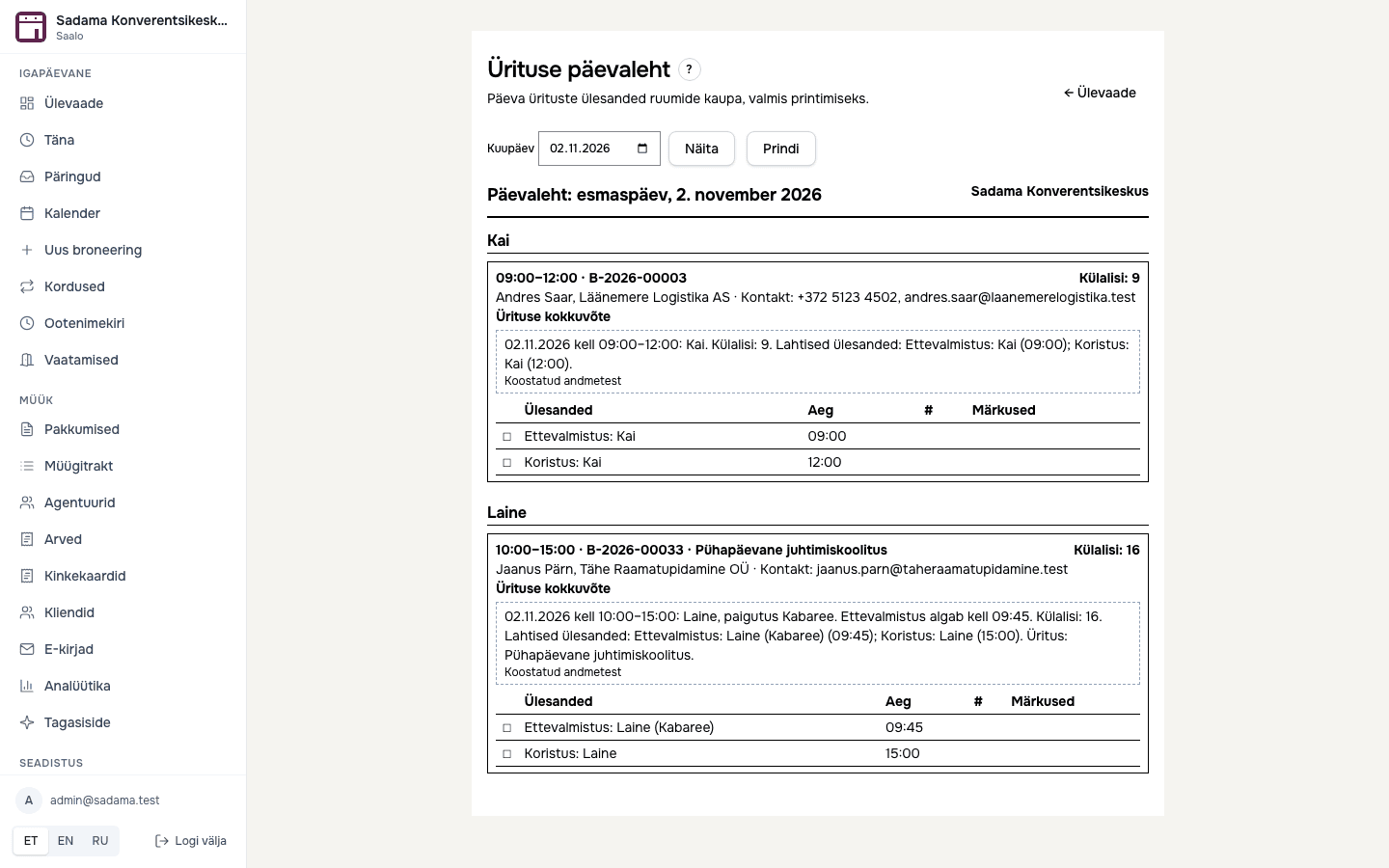
- Kitchen sheet: servings for the day, vegetarian, vegan, gluten-free, lactose-free and nut-free counts
- Run sheet: tasks (setup, catering, AV, cleanup) are created automatically when a booking is confirmed
- Guest list: the customer fills it in their portal, you see it on the booking and print name badges and a check-in sheet
Invoices and accounting
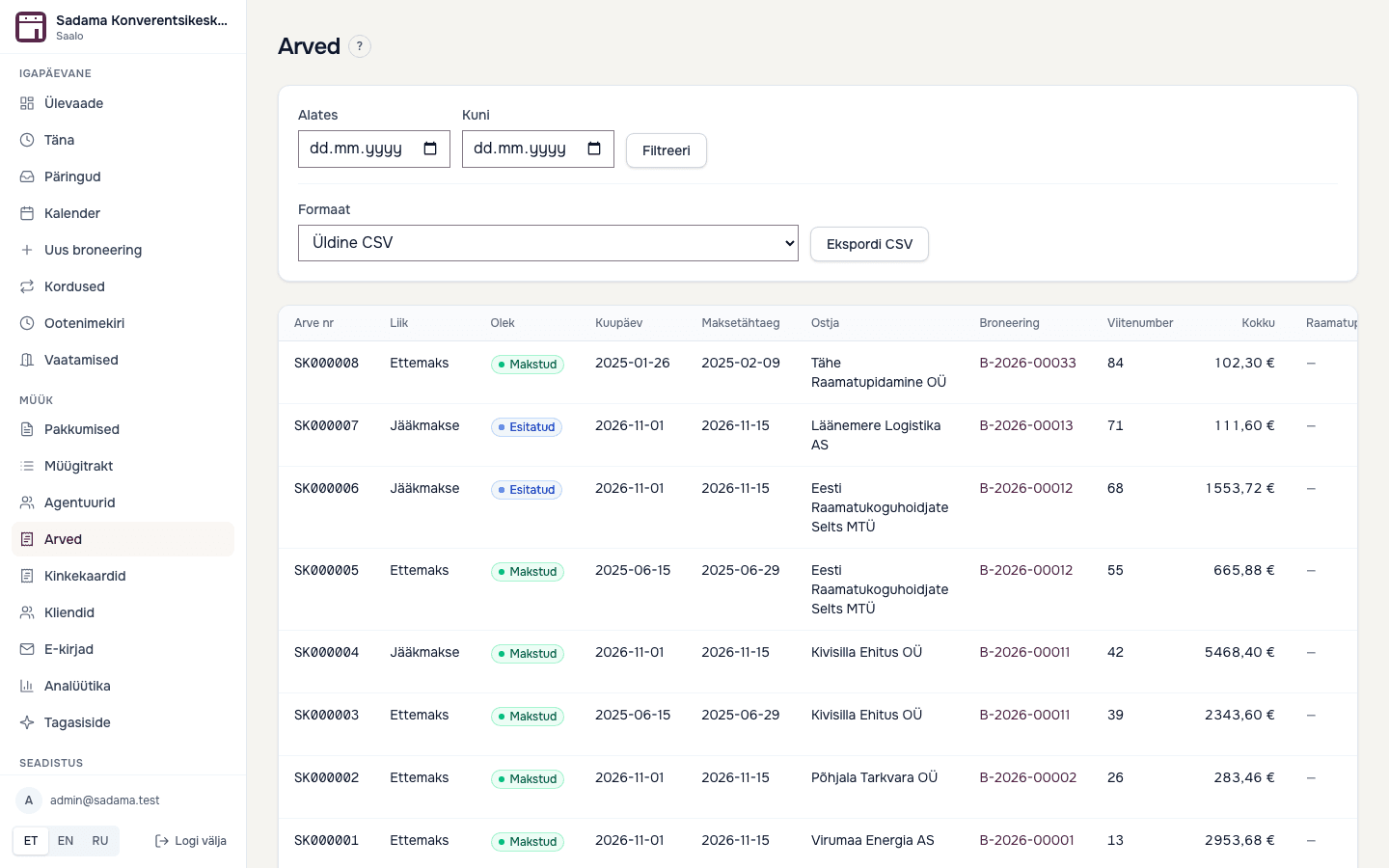
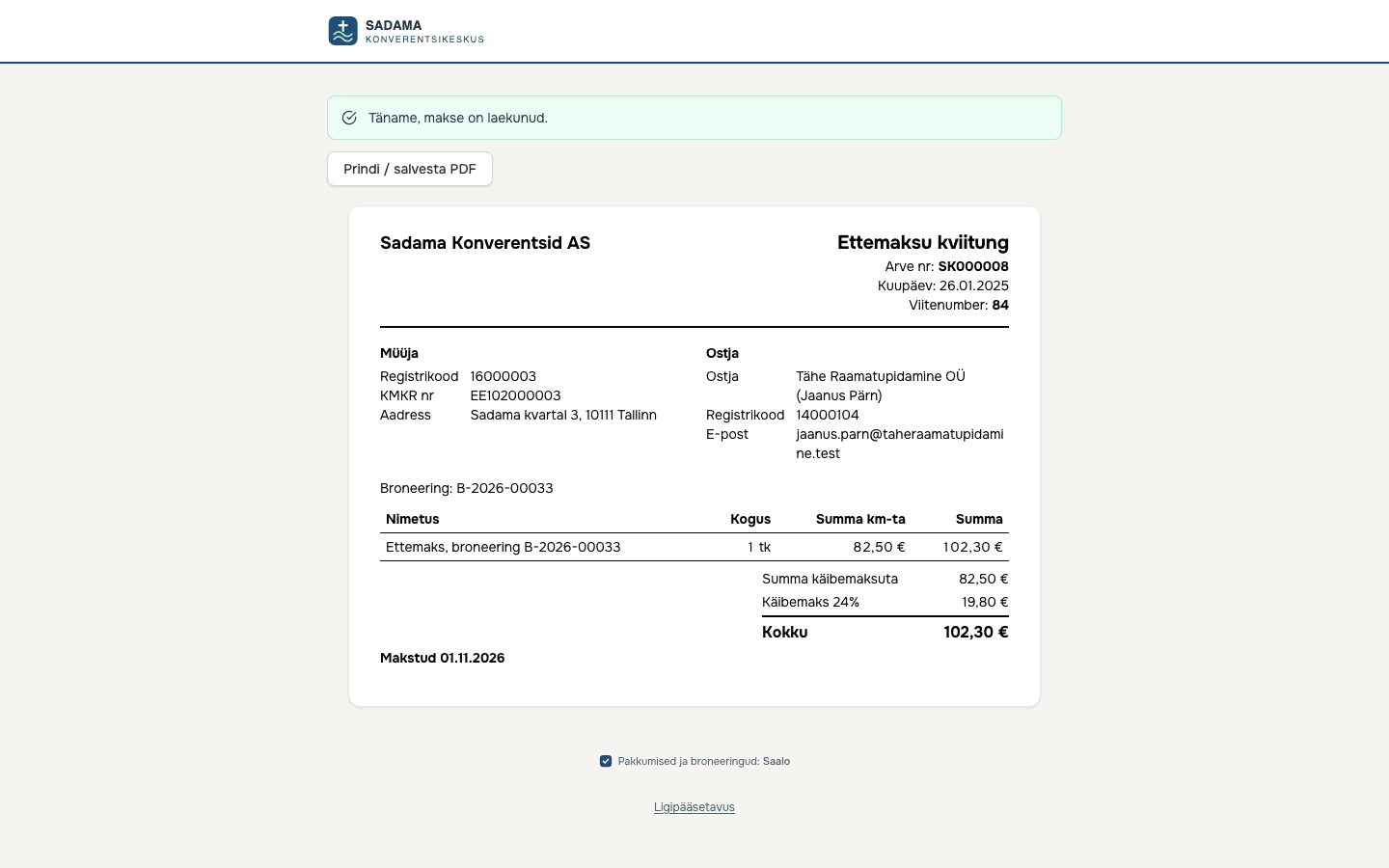
Deposit and final invoices with gap-free numbering, and files for your accountant.
- Deposit and balance invoices; an issued invoice is not edited, a credit note corrects mistakes
- Estonian e-invoice XML (e-arve 1.2) and CSV export by period; not yet tested with an operator, so have your accountant check one sample
- Every invoice has a reference number, and the customer sees it on a link where they can print or pay it
- A deposit receipt is created automatically when the payment is confirmed
Analytics, feedback and reviews
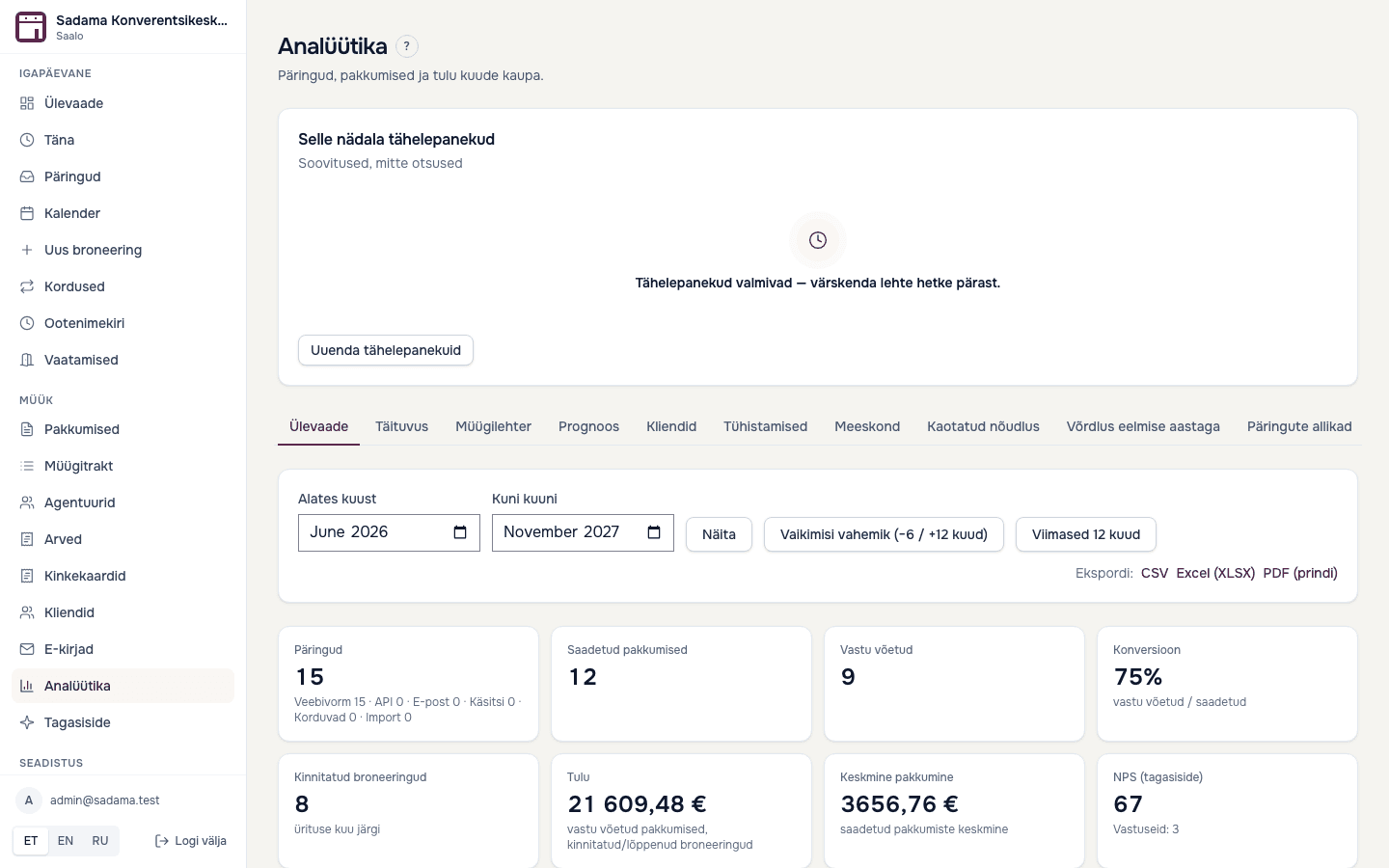
See where requests come from, how many end in a booking and what customers think.
- Requests by month and source, quotes sent and accepted, conversion and revenue by room
- A monthly report by email: last month against the same month a year earlier (Pro)
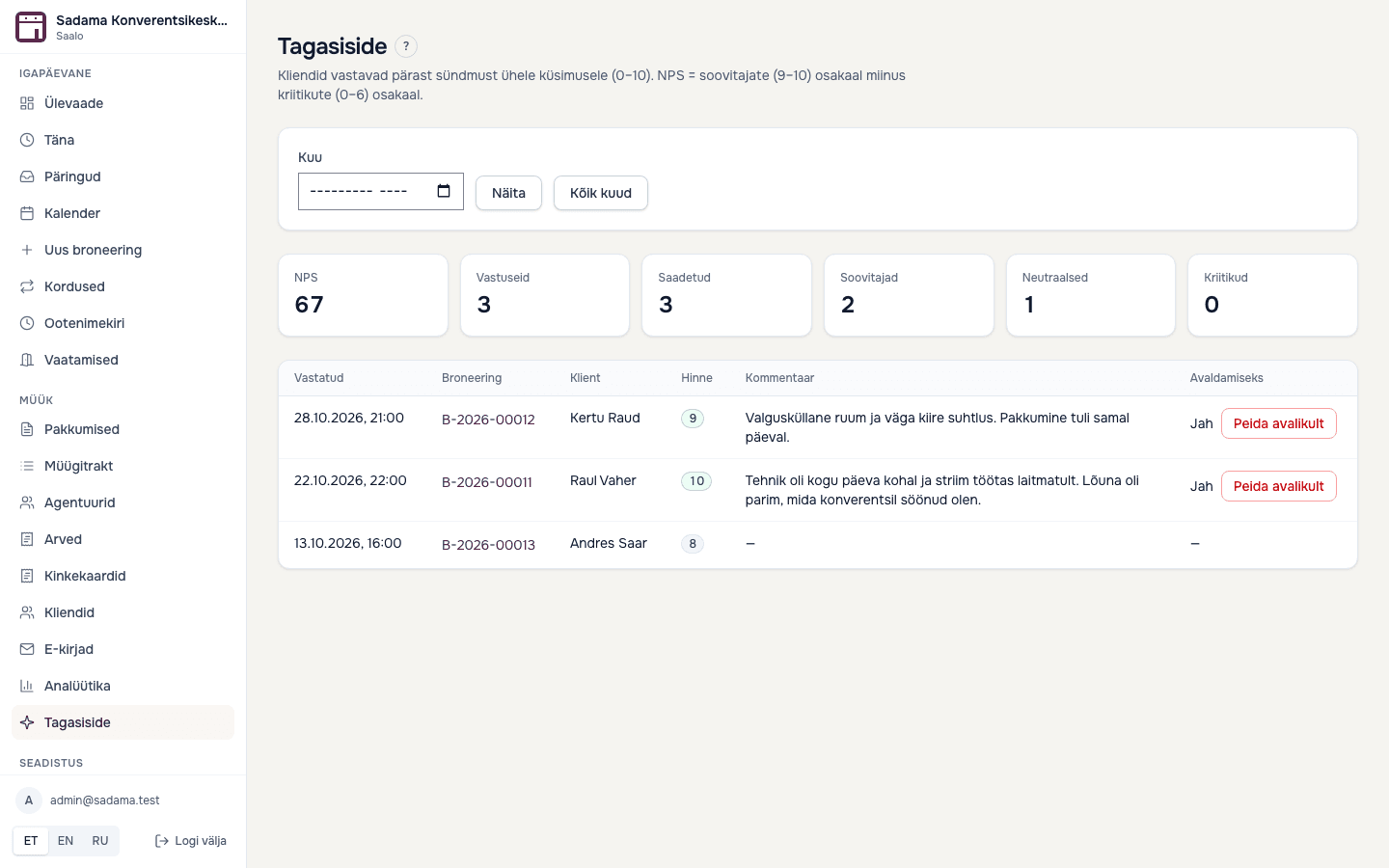
- A feedback question (0 to 10) by email after the event, with an optional comment
- A low score sends the venue an email straight away
- The customer can consent to publishing their comment
Integrations and languages
The system connects to your website and tools, and speaks your customers' language.
- API and website widget on all plans
- Webhooks for new requests and booking changes, Mailchimp and SMS reminders (Pro, beta)
- Public form, quote and emails in ET, EN, RU, LV and LT; the multilingual form is on Pro
- Admin interface in Estonian, English and Russian
- A one-way ICS feed you can subscribe to in Google or Outlook
Security and data
Your venue is the controller of its data and we are the processor. Here is what is built, and what we do not claim.
- Venue data is separated by row-level security in the database; an automated test covers every table
- Sign-in with one-time email links, no passwords; a deactivated user loses access at once
- Customer data export and erasure; by default data is anonymised 36 months after the last booking
- An audit log of who changed what; integration keys are stored on the server and shown masked
Try it with your own price list
Paste in your price list, the system builds the rules and you check them. No card needed.
- No credit card needed
- No commission on bookings