Requests are scattered
Email, phone, Facebook, the website form. Something always goes unanswered or a follow-up is forgotten.
For manor houses, conference centres, studios and culture centres
Saalo checks availability, calculates the price from your own pricing rules and AI drafts the quote. Your staff review and send it by default – the customer accepts online and pays the deposit.
The problem
Most venues answer requests by hand: check the calendar, work out the price, write the email. Meanwhile the customer has asked two other places for a quote.
Email, phone, Facebook, the website form. Something always goes unanswered or a follow-up is forgotten.
Room, guests, coffee breaks, menu, weekday, season, VAT. Spreadsheet formulas and mistakes in the quote.
The same day is promised to two customers, or a free slot goes unsold because nobody noticed a hold had expired.
How it works
You set up rooms and prices once. From then on the system does the preparation and you make the decisions.
On your website they pick a room, a time and the number of guests. They only see free times and an instant estimate.
Hourly rate, 8-hour block, day rate, per-person packages, extras and VAT – from your rules, not an AI's guess.
The quote text around the calculated lines. By default, your staff review, edit if needed and approve.
They open the link, review the quote and accept. Availability is checked again; a deposit can be paid there and then.
Kitchen sheet, run sheet, guest list and invoice all come from the same booking.
AI that does the writing
In Saalo, AI is an assistant, not a decision-maker. It never changes prices or statuses and never sends anything to a customer without your permission.
For customers
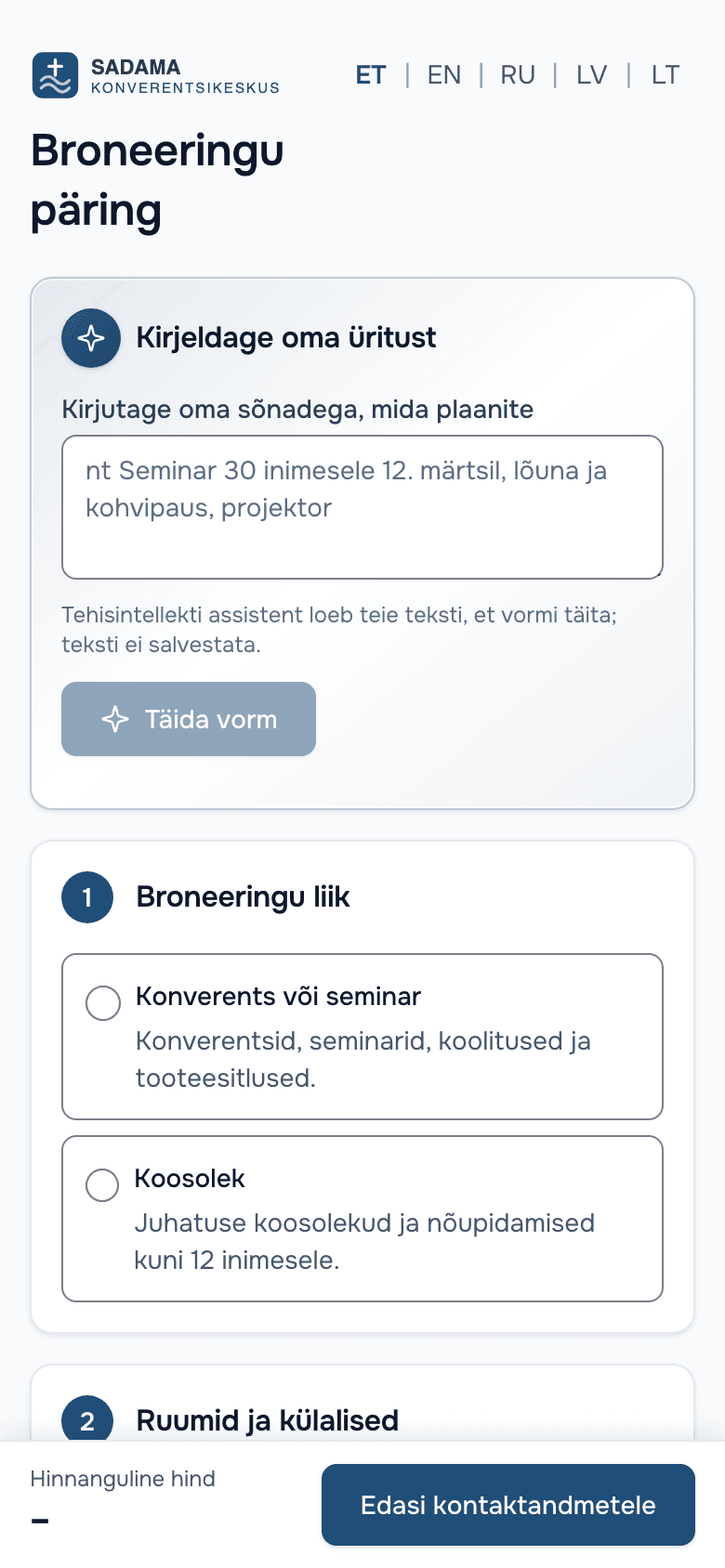
The customer types freely, e.g. “summer party for 40, lunch and sauna”. AI fills in the booking form and the customer checks the fields.
For staff
AI writes a polite quote text around the lines the system calculated. It cannot change the amounts.
For staff
A draft reply to the customer's question, with the real availability and status. Staff send it or edit it.
For staff
When a customer hasn't answered a quote, a reminder draft is ready. Automatic sending is off unless you switch it on.
For staff
A one-line summary, urgency and value on every request. Spam can be hidden with one click.
For owners
Short observations from your own data. Every number is checked by code before it reaches you.
AI never sees the customer's name, email or phone. Contact details are scrubbed from the customer's text before it goes to the model.
“Describe your event” is in every plan. The staff AI assistants are in Pro.
Inside the product
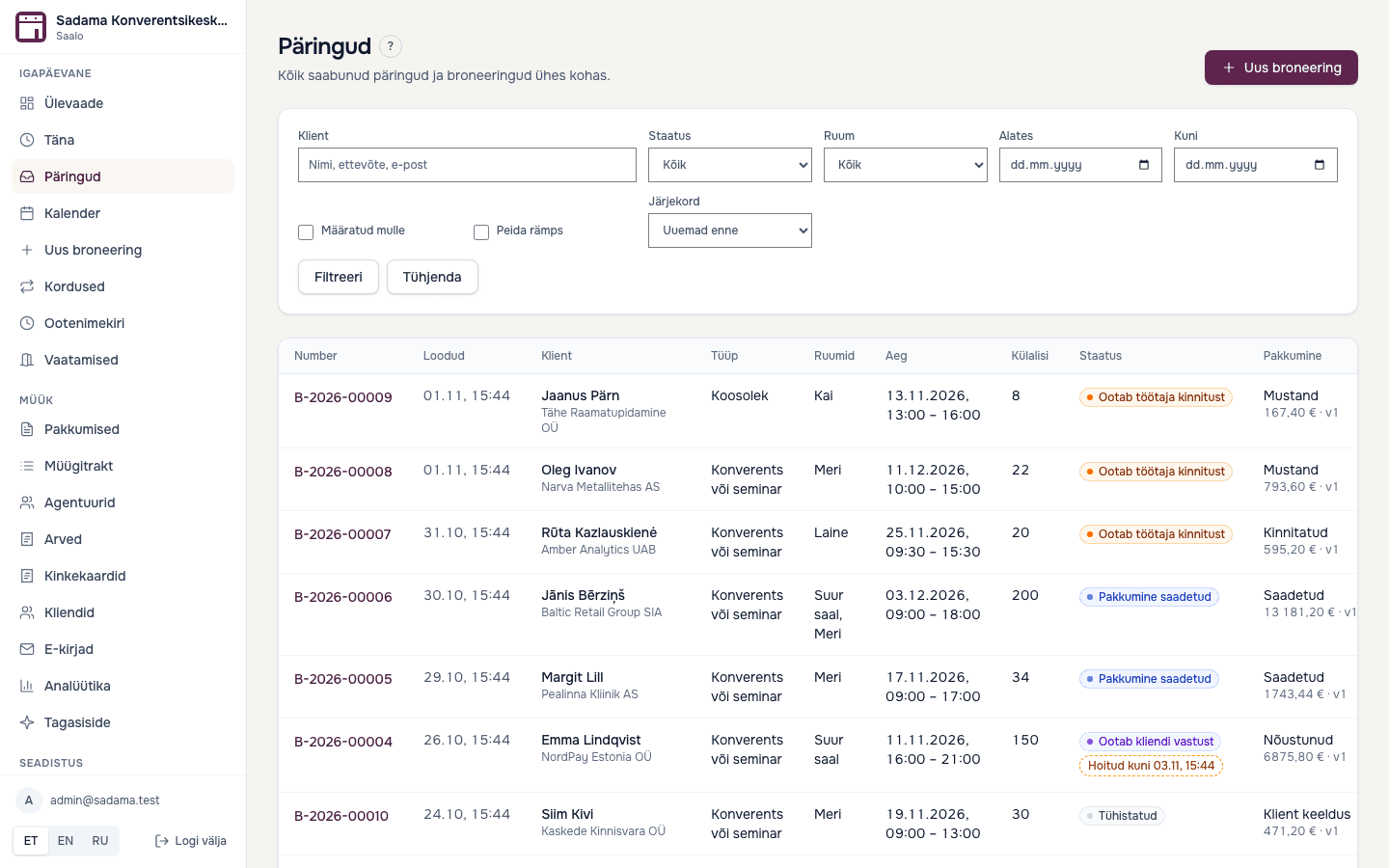
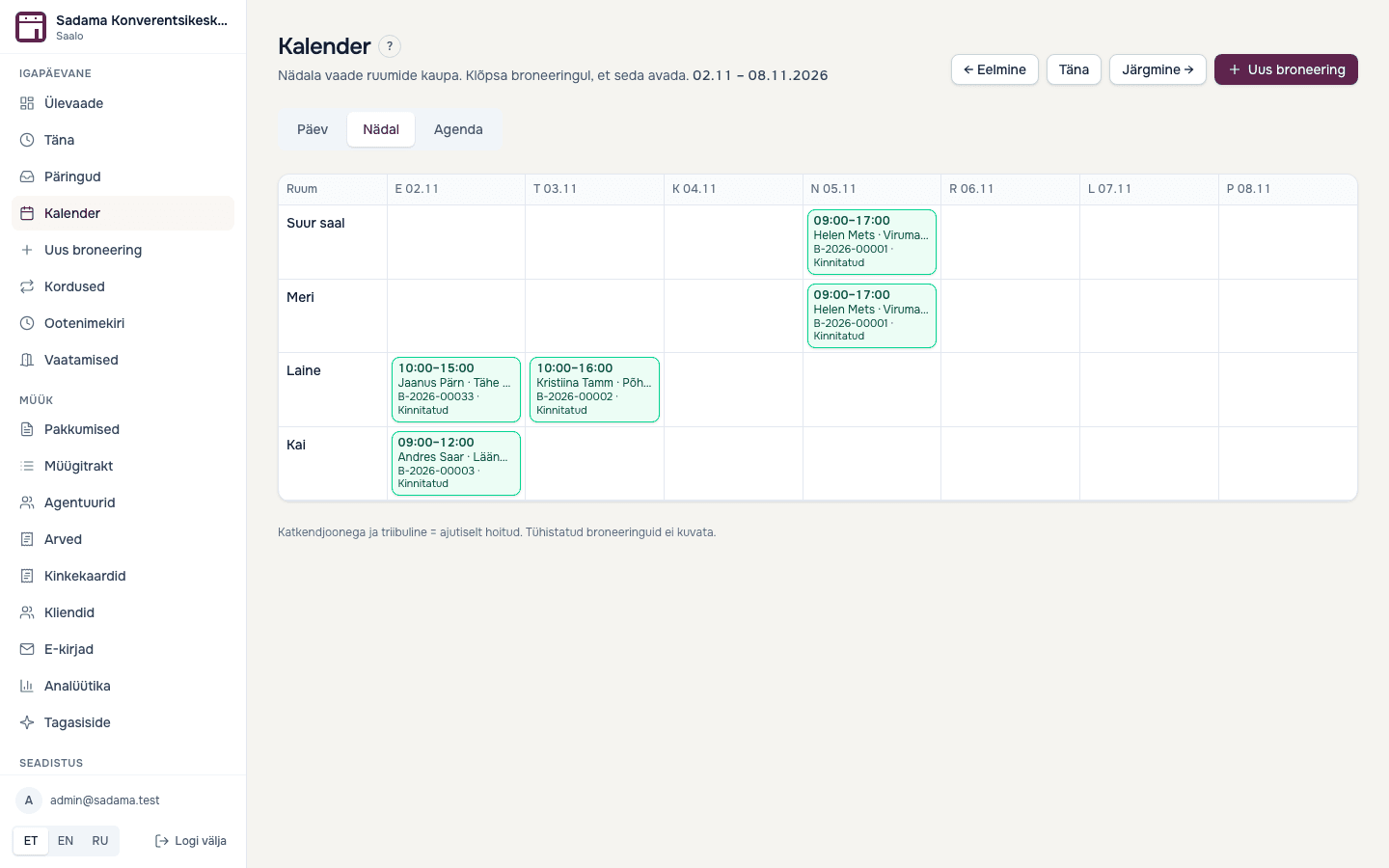
Every request in one list, with its status. The calendar shows bookings, holds and setup time by room.
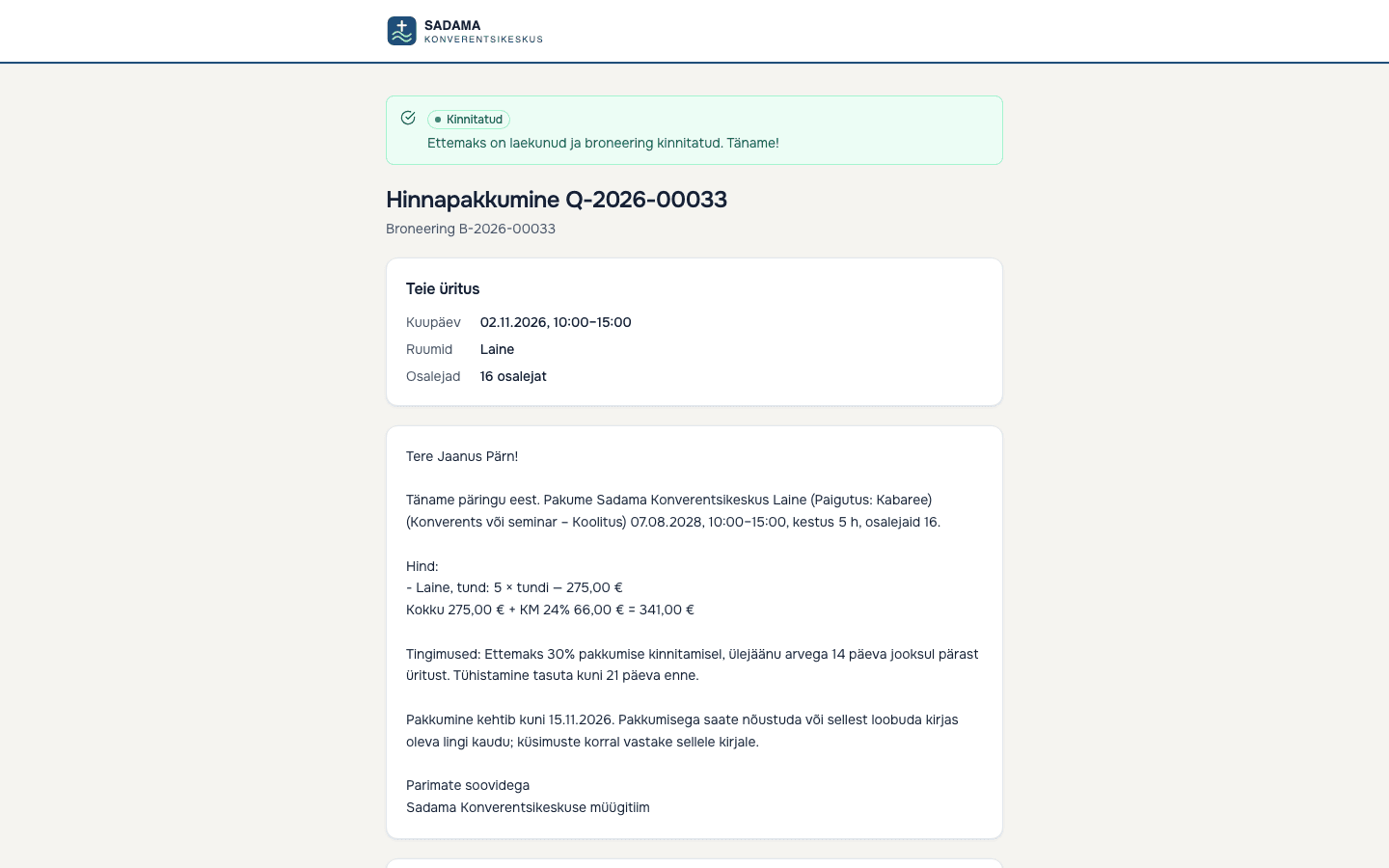
A quote comes from the request, the customer accepts online and pays a deposit into your own Montonio account (live payments in pilot). Invoices and e-invoice XML (not yet tested with an operator) from the same place.
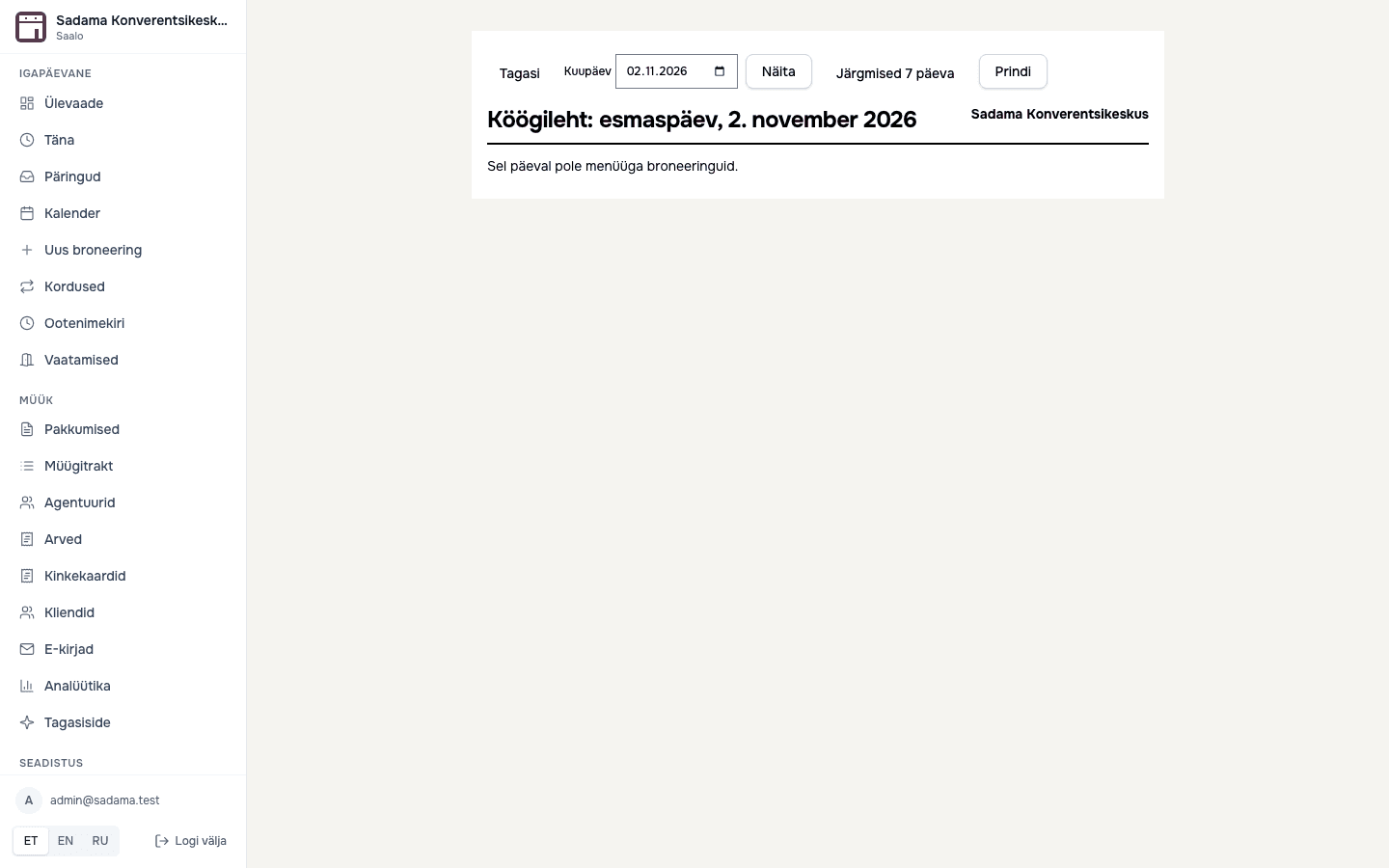
Menus and choices, kitchen sheet, run sheet and the guest list in the customer portal. After the event the system asks for feedback.
Who it's for
Weddings, company summer days and events with overnight stays. Seasons, packages and deposits.
Seminars and conferences across several rooms, coffee breaks and lunches, company invoices.
Hourly room rental, recurring bookings for trainers and therapists.
Halls for hobby groups and private events, recurring bookings and clear invoices.
Experience
Space for feedback from pilot venues. Real feedback goes here, with names and permission, after the pilot – not before.
Pricing
30 days free, no credit card. Switch plans any time.
€59 per month
up to 5 rooms, up to 5 staff users
€99 per month
up to 50 rooms, up to 25 staff users
Everything in Venue, plus:
Several venues
Several venues or a network with more than 50 rooms: every Pro feature, many venues under one login. Price on request.
from€199/ month
Contact us30 days free, no credit card needed. Prices exclude VAT.
Paste in your price list, the system turns it into rules and you check them. Your first quote could go out today.