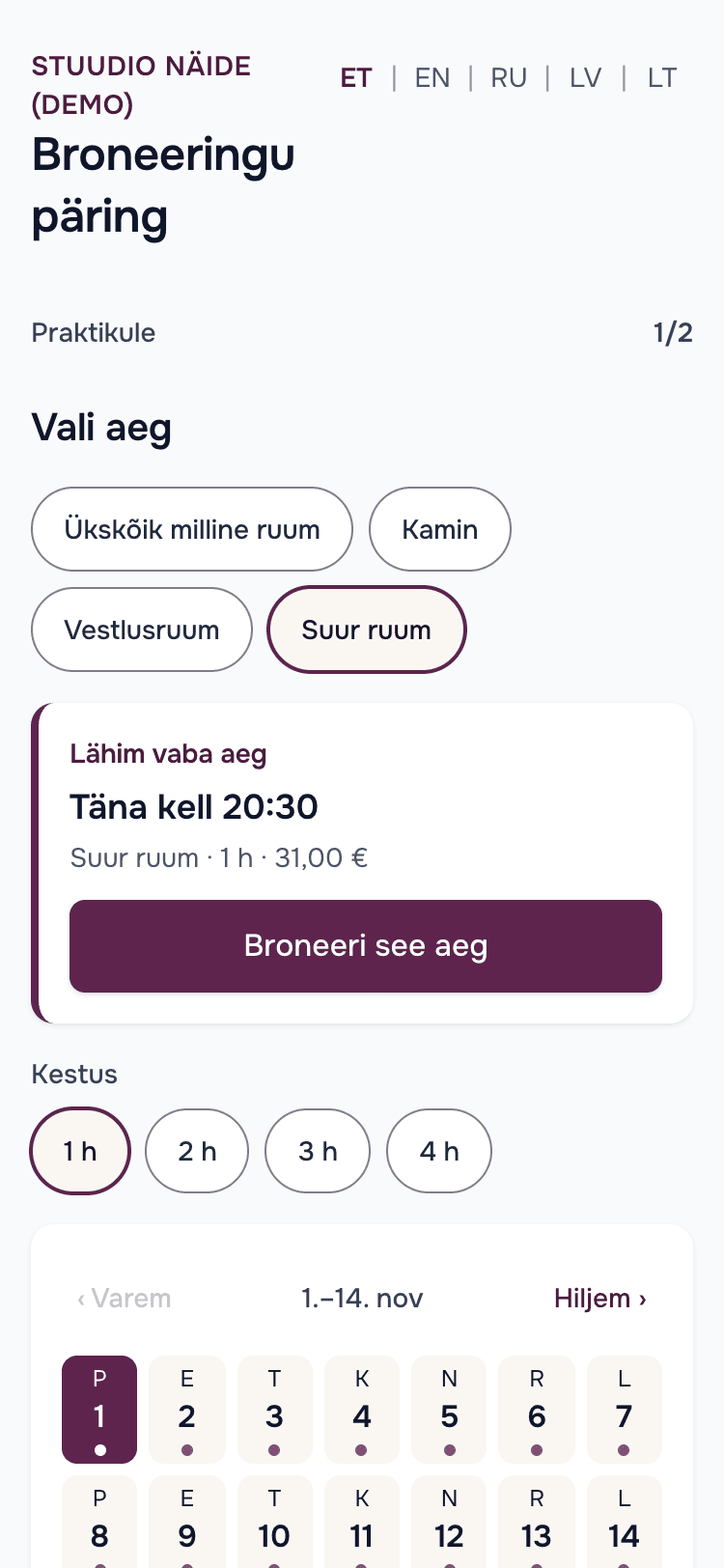
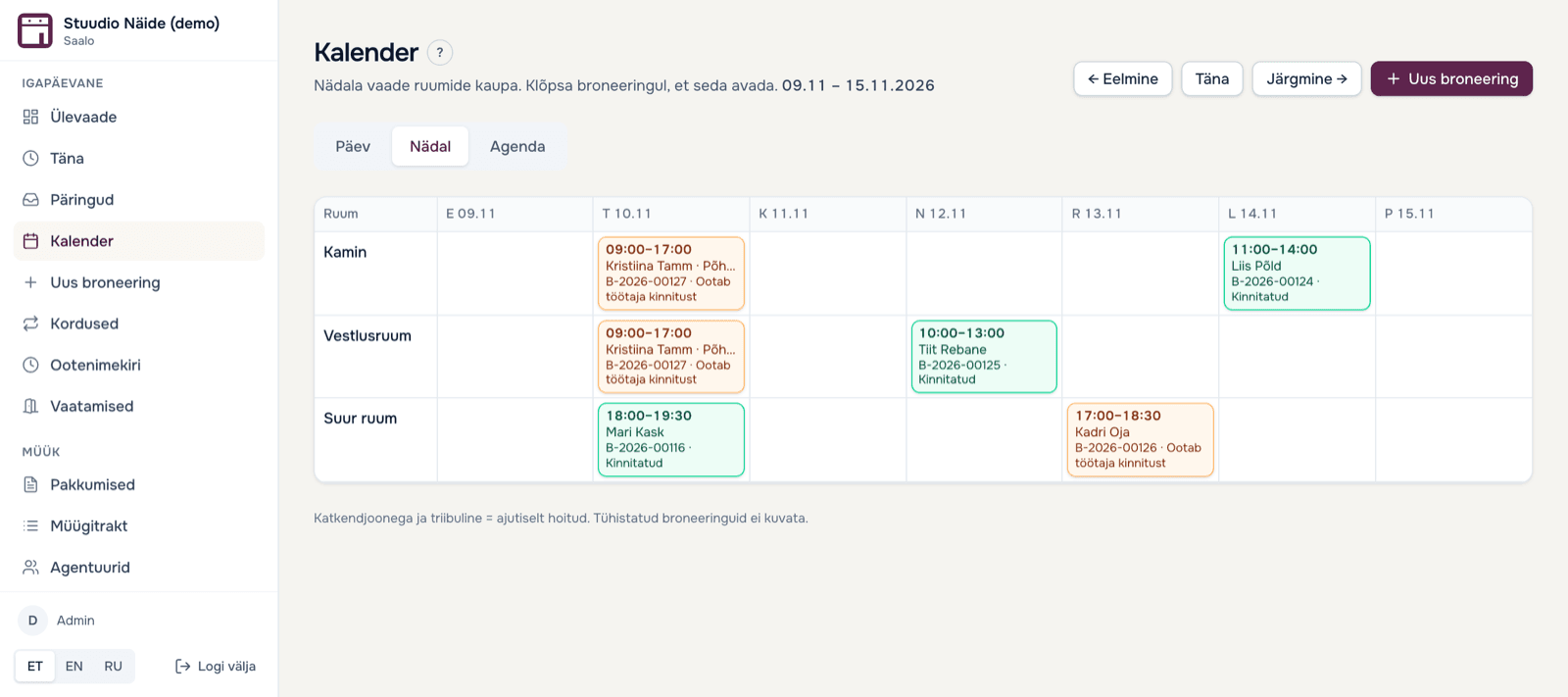
- Double booking is ruled out
- Practitioners need no account
- Calendar as an .ics feed on your phone
What you get
Less arranging, more full hours
Practitioners book themselves, at ten at night too.
They see only free times and pick one. You don't have to answer emails just to say what is free.
Everyone sees their own price.
Hourly rate, packages and separate prices for regulars or practitioners follow your rules. Where you don't want to show a price, write “price on request”.
A weekly class is entered once.
Enter a standing rental as one rule: weekdays, start and end. If a date is already taken, you see it straight away.
Confirming stays your decision.
You review the request and confirm. Or you switch on instant confirmation for a room and the booking confirms itself. If you wish, take a deposit to your own Montonio account.
How it works
Three steps from request to a full calendar
- 1
Add your rooms and prices.
Hourly rate, allowed durations and cleaning time between rooms.
- 2
Share a link or put the form on your site.
One link for Instagram, a widget for your website, or the API.
- 3
Requests arrive in one place.
You confirm the request and the practitioner gets the confirmation by email with a calendar file.
Comparison
How this differs from a spreadsheet and email
- Finding a free timeSpreadsheet + email: Ask and answerSaalo: The practitioner sees free times
- PriceSpreadsheet + email: You calculate by handSaalo: Worked out from your rules
- Two people at the same timeSpreadsheet + email: It can happenSaalo: The system doesn't allow it
- Weekly rentalSpreadsheet + email: Again every weekSaalo: One rule
- Your calendarSpreadsheet + email: You copy by handSaalo: .ics feed on your phone
The price depends on the number of rooms. The first 30 days are free and there is no commission on bookings.
See pricing →FAQ
Frequently asked questions
Does a practitioner need an account?
No. They pick a time, enter name, email and phone, and send the request.
Is a booking confirmed straight away?
By default you confirm each request. If you want, you can switch on instant confirmation for a room or booking type.
Are recurring classes and one-off bookings in the same calendar?
Yes. You enter a standing series as one rule, one-off hours come in through the web form, and both appear in the same calendar. You can set cleaning or preparation time between rooms.
Does it work with Google Calendar?
You can subscribe to each room's calendar as an .ics feed in Google Calendar, Apple Calendar or Outlook. It is one-way: changes are made in Saalo.
What does it cost?
Prices are on the Pricing page. The first 30 days are free and there is no commission on bookings. If you only get a few requests a month, the software may not pay for itself.
Which languages does it work in?
Practitioners can book in Estonian, English, Russian, Latvian and Lithuanian. Your own view is in Estonian, English and Russian.